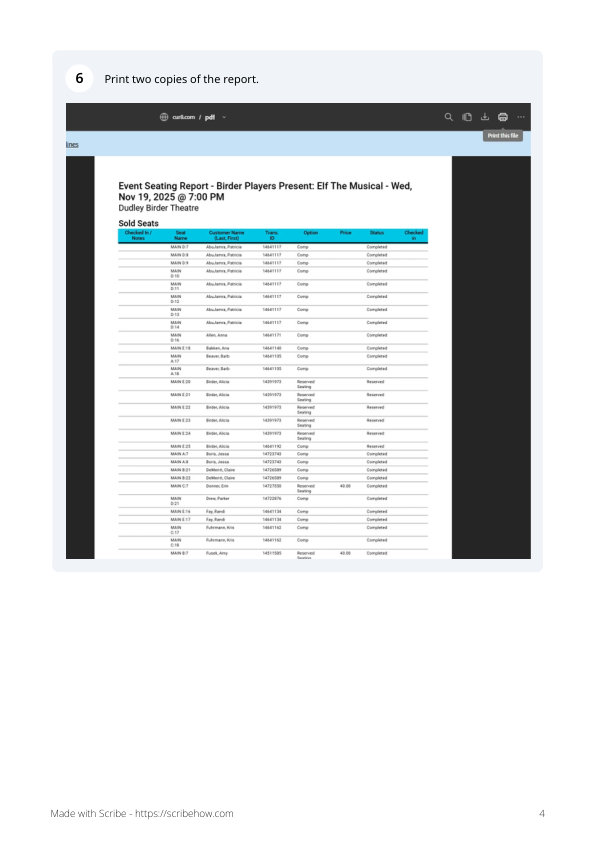
Use these steps in Cur8 to get the Event Seating Report needed by the Usher Report Maker.
1Open Cur8 Projects
Navigate to cur8.com/projects.
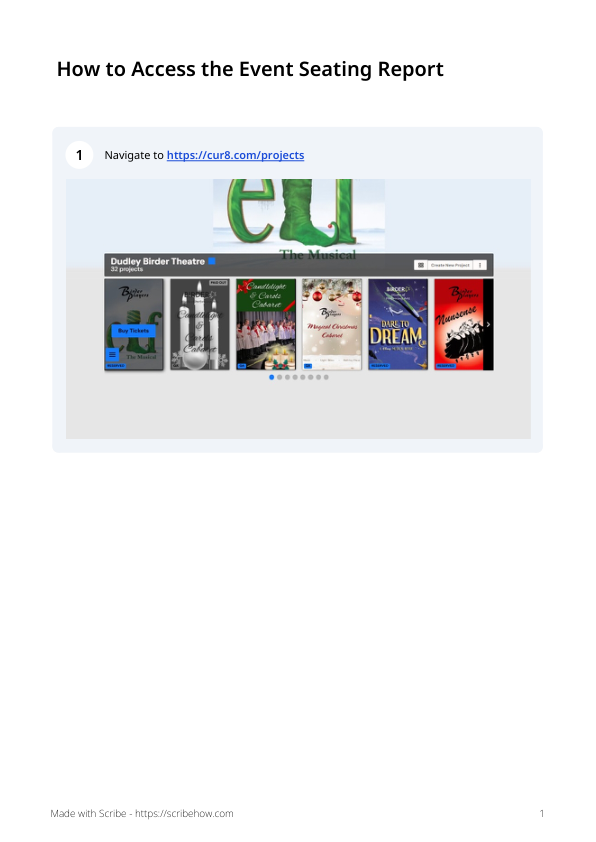
2Choose the performance
Click Buy Tickets, then use the performance selector shown in the guide to choose the correct performance.
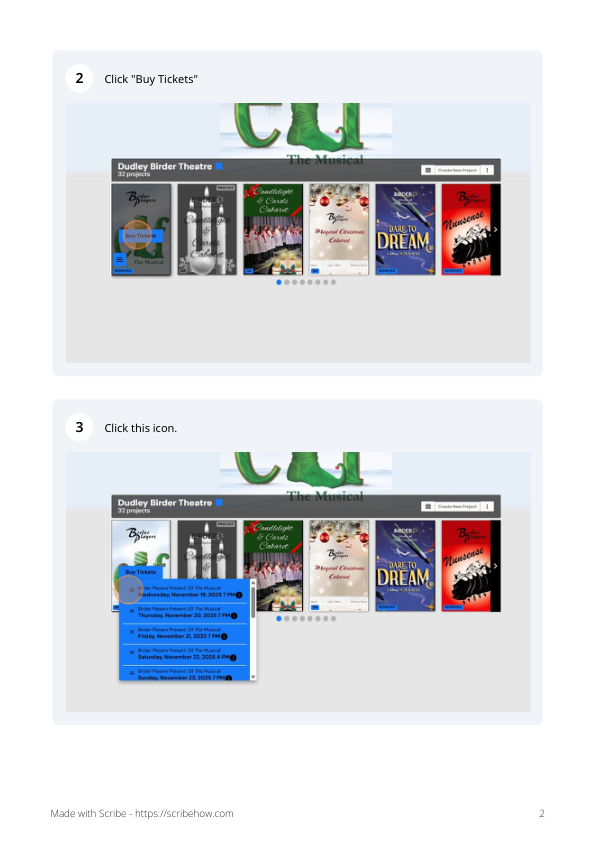
3Open the Event Seating Report
From the performance menu, click Event Seating Report.
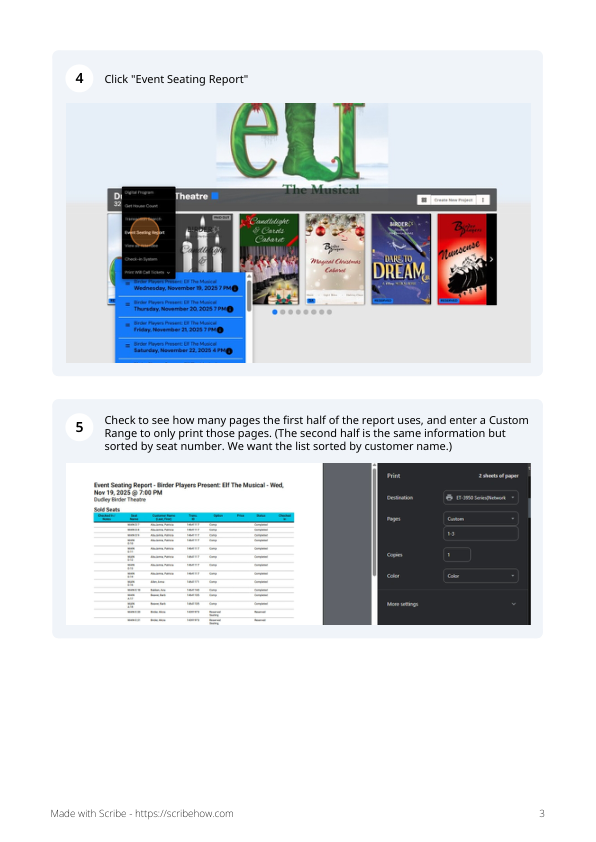
For the web Usher Report Maker: Save the Event Seating Report as a PDF, then upload that PDF on the previous page. The original Cur8 guide notes that the report repeats the information in a second seat-number-sorted section; the web tool removes duplicate patron/seat entries automatically.
4Save the report as a PDF
In the print window, choose the option to save or download the report as a PDF. Once saved, return to the Usher Report Maker and select that file.